# Supplies
This module allows you to control the supplies necessary for the elaboration of your products, classify your supplies in categories and manipulate the catalog of suppliers and warehouses in the consumption centers.
The supplies catalog will be very useful when creating recipes and making purchase orders. This module is accessible through the menu option Inventories, and the submenu Supplies.
# Add supply
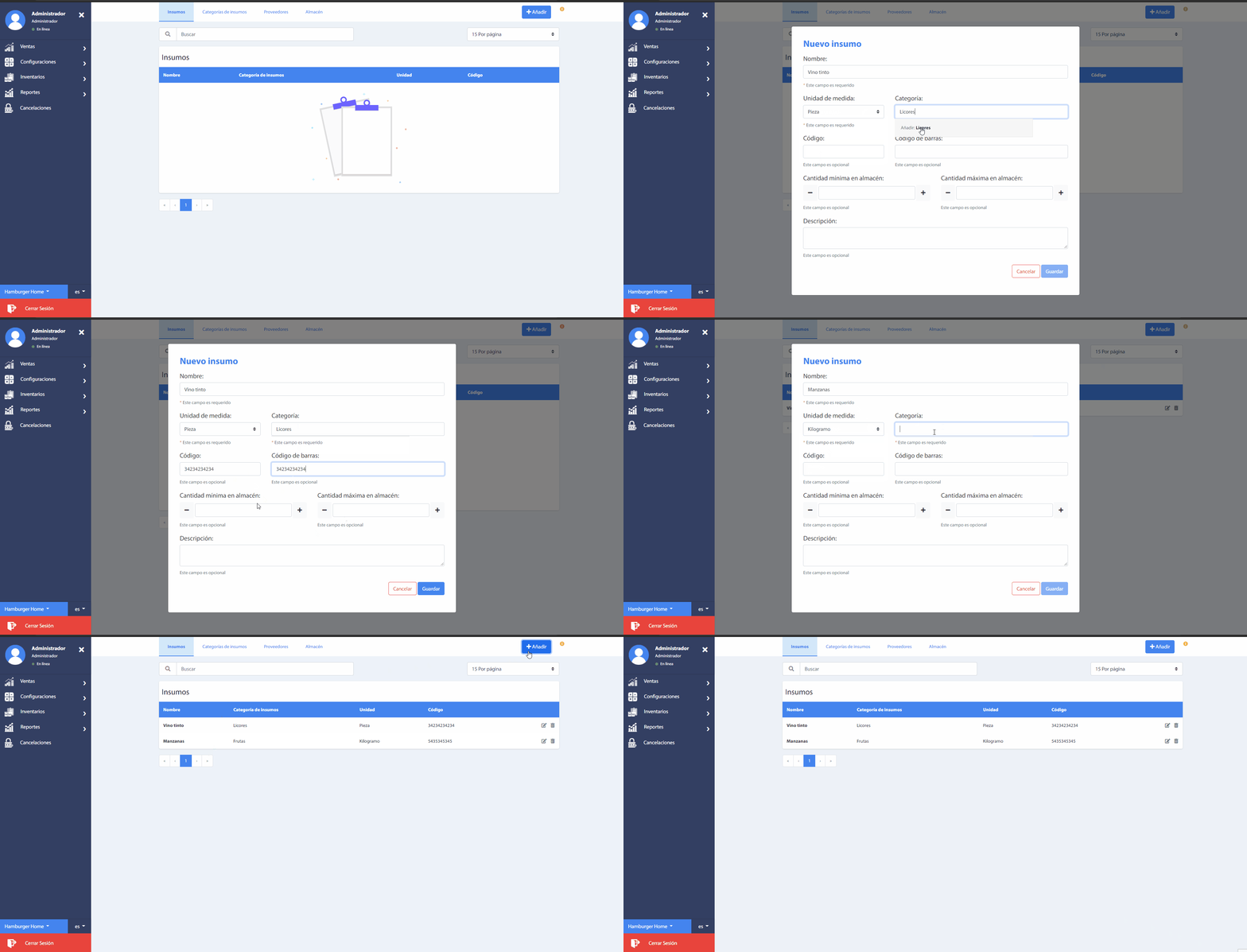
A supply refers to any good necessary for the elaboration of your products. You can add new supplies by pressing the button Add.
Important
It is necessary to have a catalog of supply categories to add new supplies. The field Category: shows suggestions when writing, if it does not find matches, the option Add: will allow you to add a new record.
# Supply category
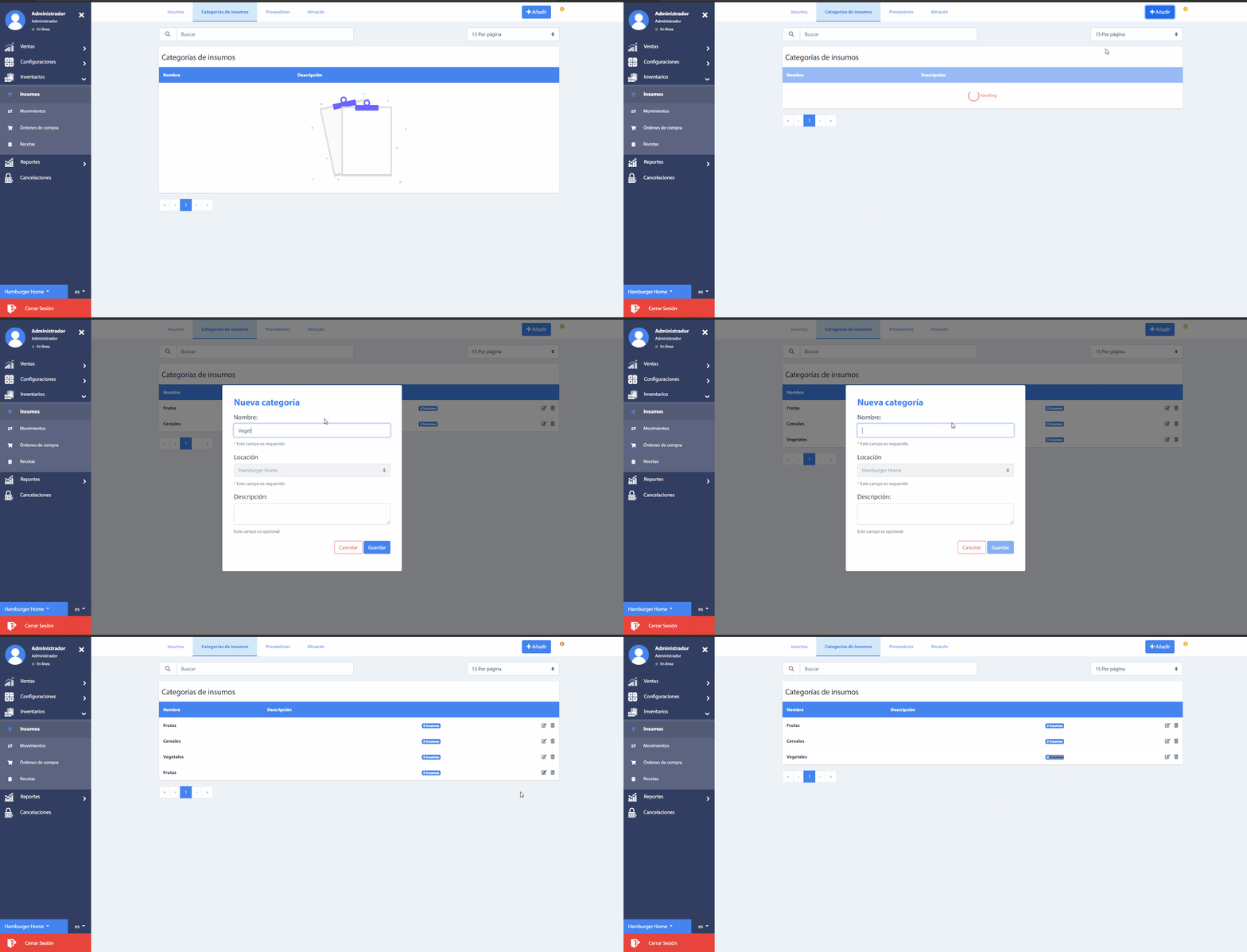
This section allows you to classify the supplies, for a better management in the elaboration of their products.
# Suppliers
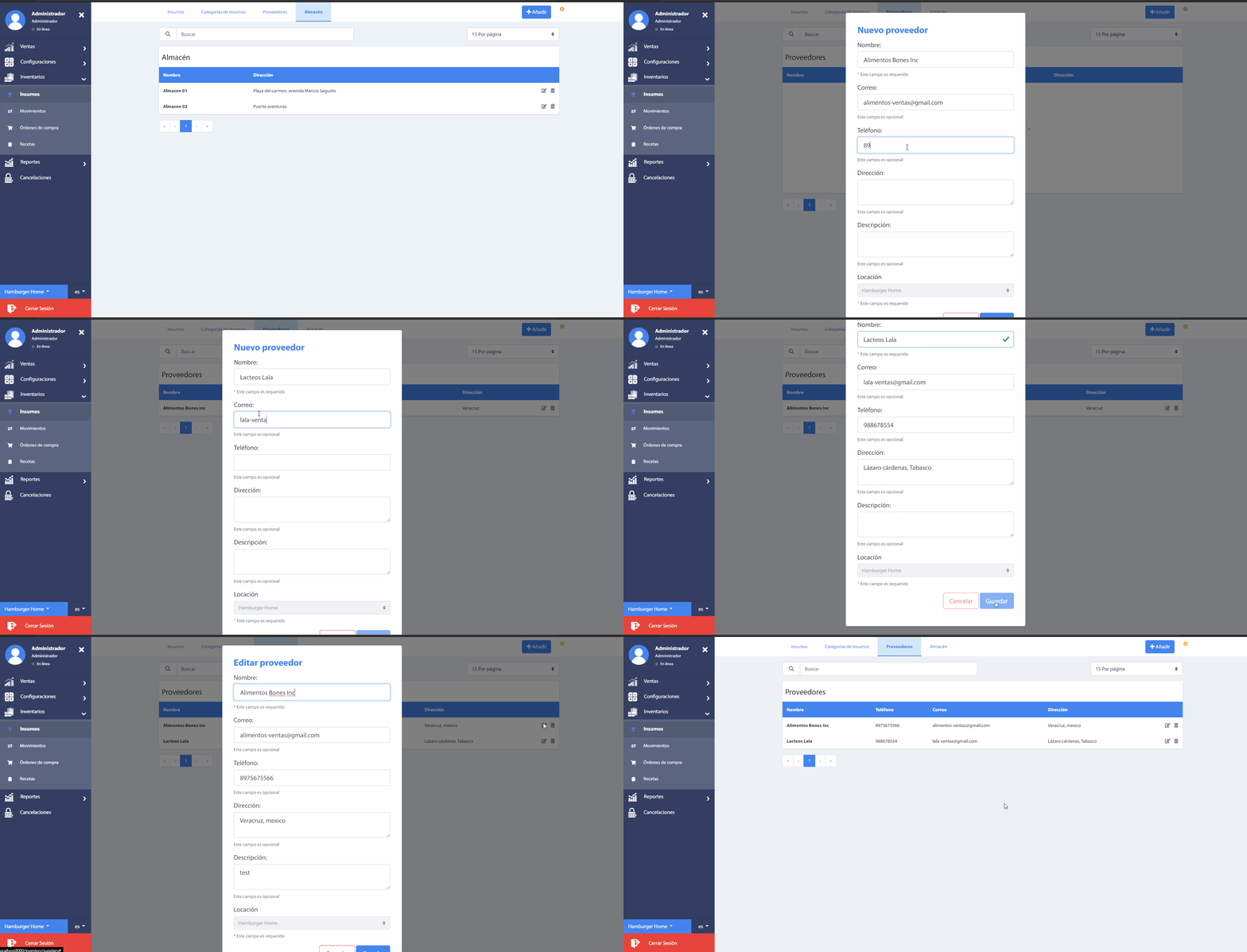
In this section add the list of suppliers of your supplies, as they will be used, repeatedly when creating purchase orders.
Add a new supplier by pressing the button Add.
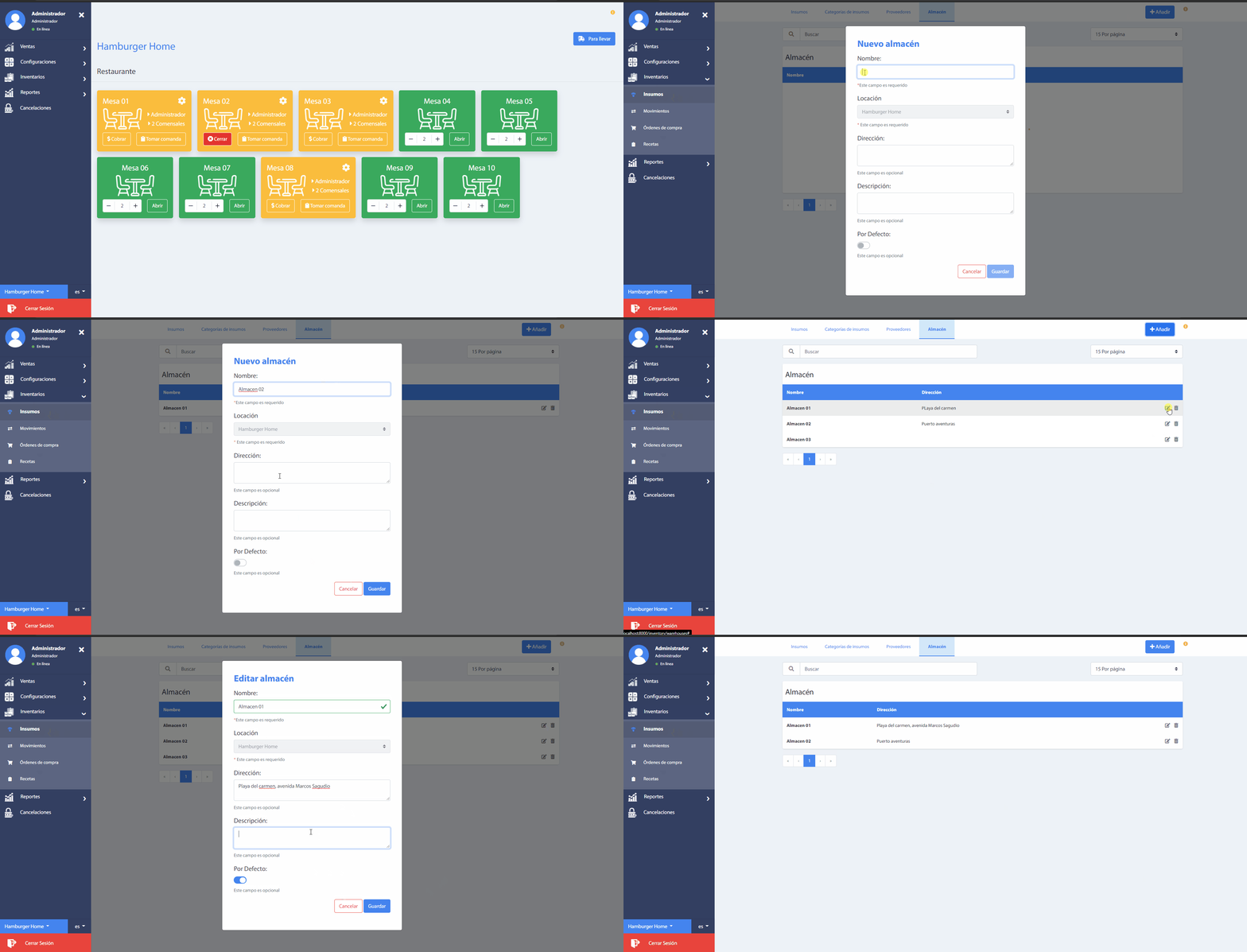
# Warehouses
This section lists all available warehouses by business unit. If you need to add new store locations, press the Add. button.