# Printers
This section allows you to manage the printers available in each business unit, which could be used to send the products to the production area or make collections.
To access this section, go to the menu Settings and finally the option Printers.
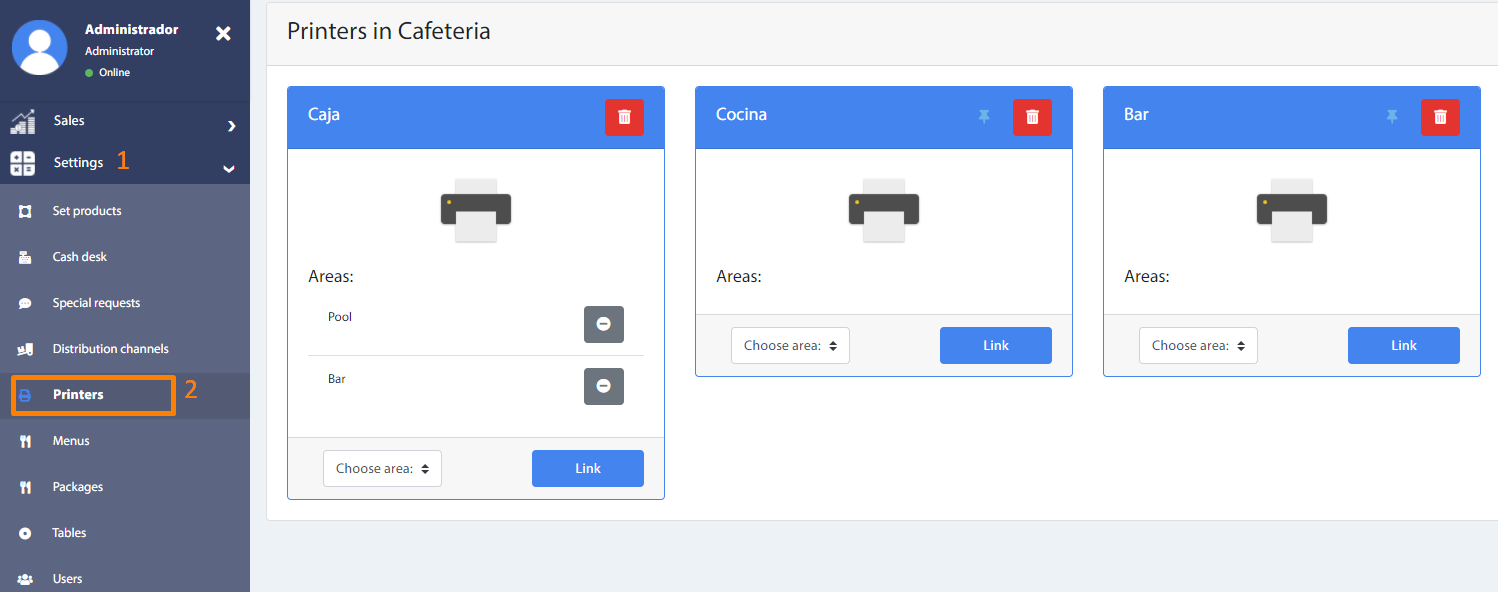
In this section it is possible to link the available printers to a production area, as follows
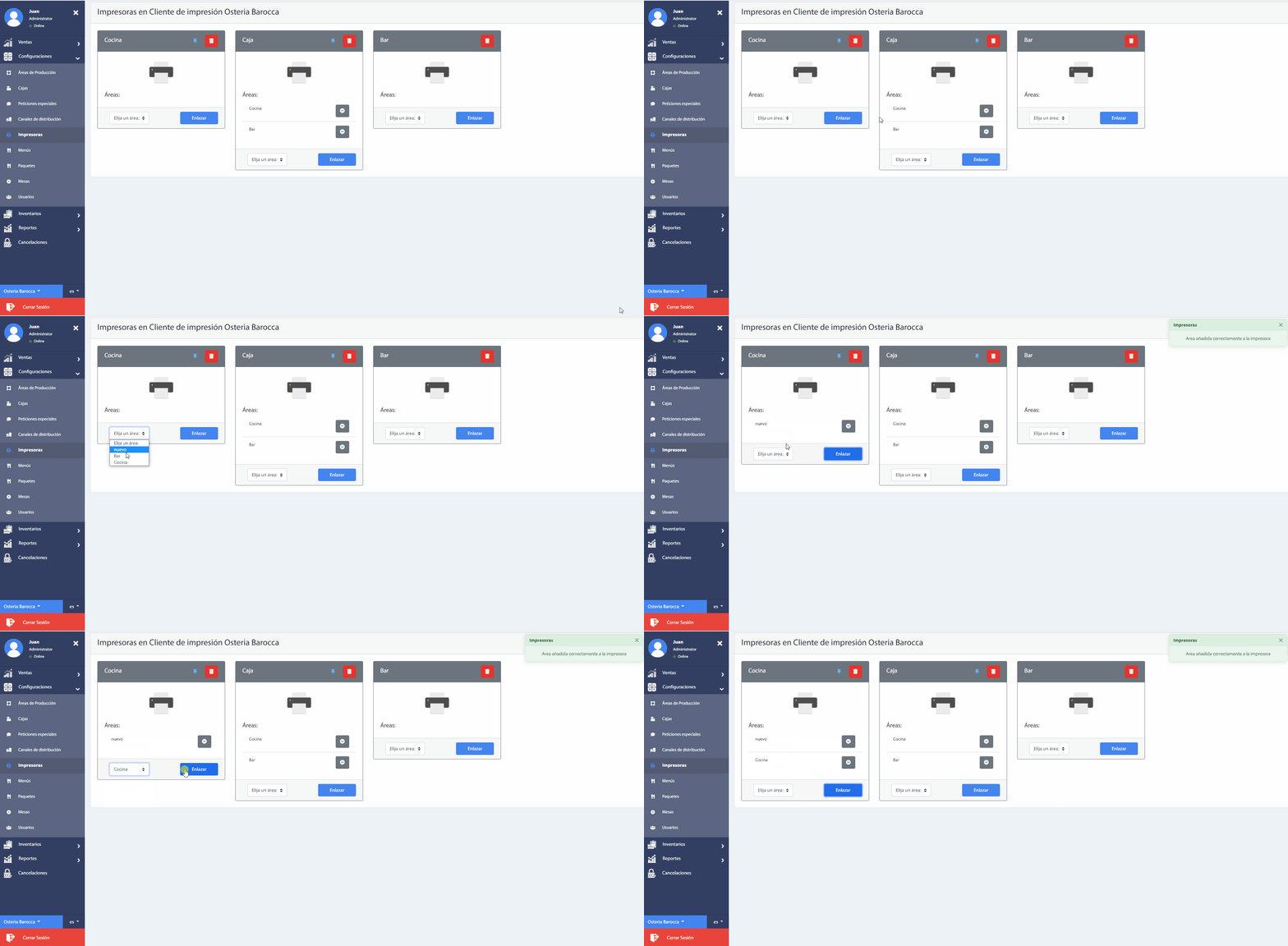
- Select the required printer from the list.
- Choose the required production area from the drop down list.
- Click on the Link button.
There may be several printers linked to various production areas.
If you no longer require a printer linked to a production area, simply press the "-" icon located at the end of each production area name on the printer.
Also, you can set a default printer by pressing the "Pin" icon next to the "Delete" printer icon.
Recommendation
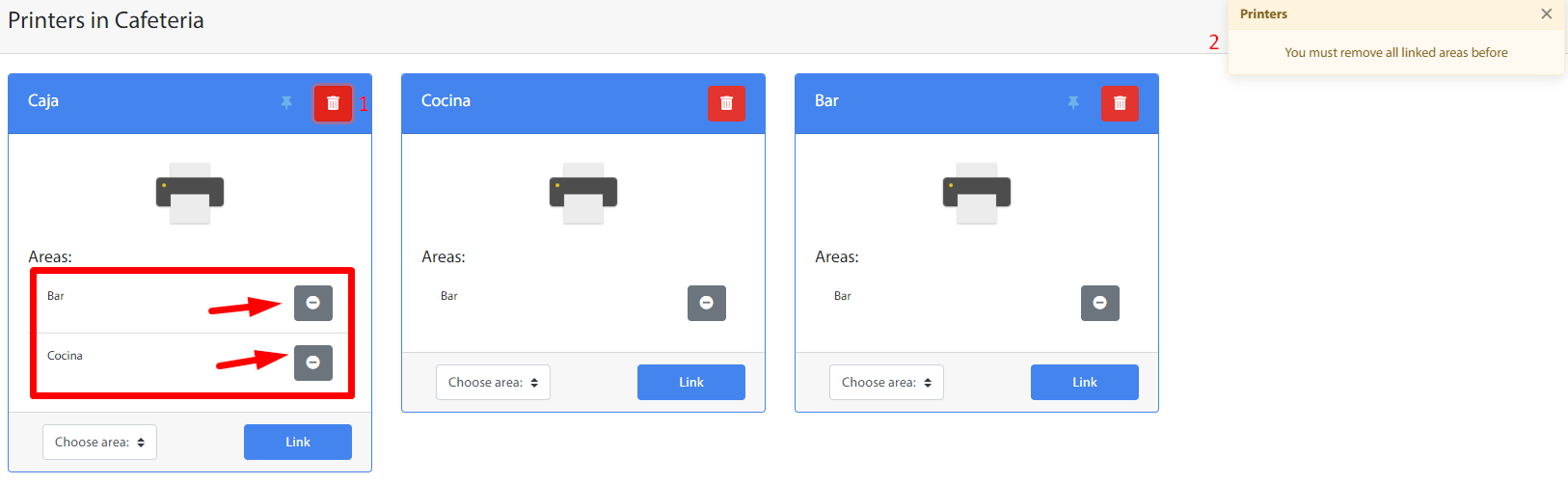
To remove a printer, it is necessary to unlink all its production areas, otherwise the following message may appear: